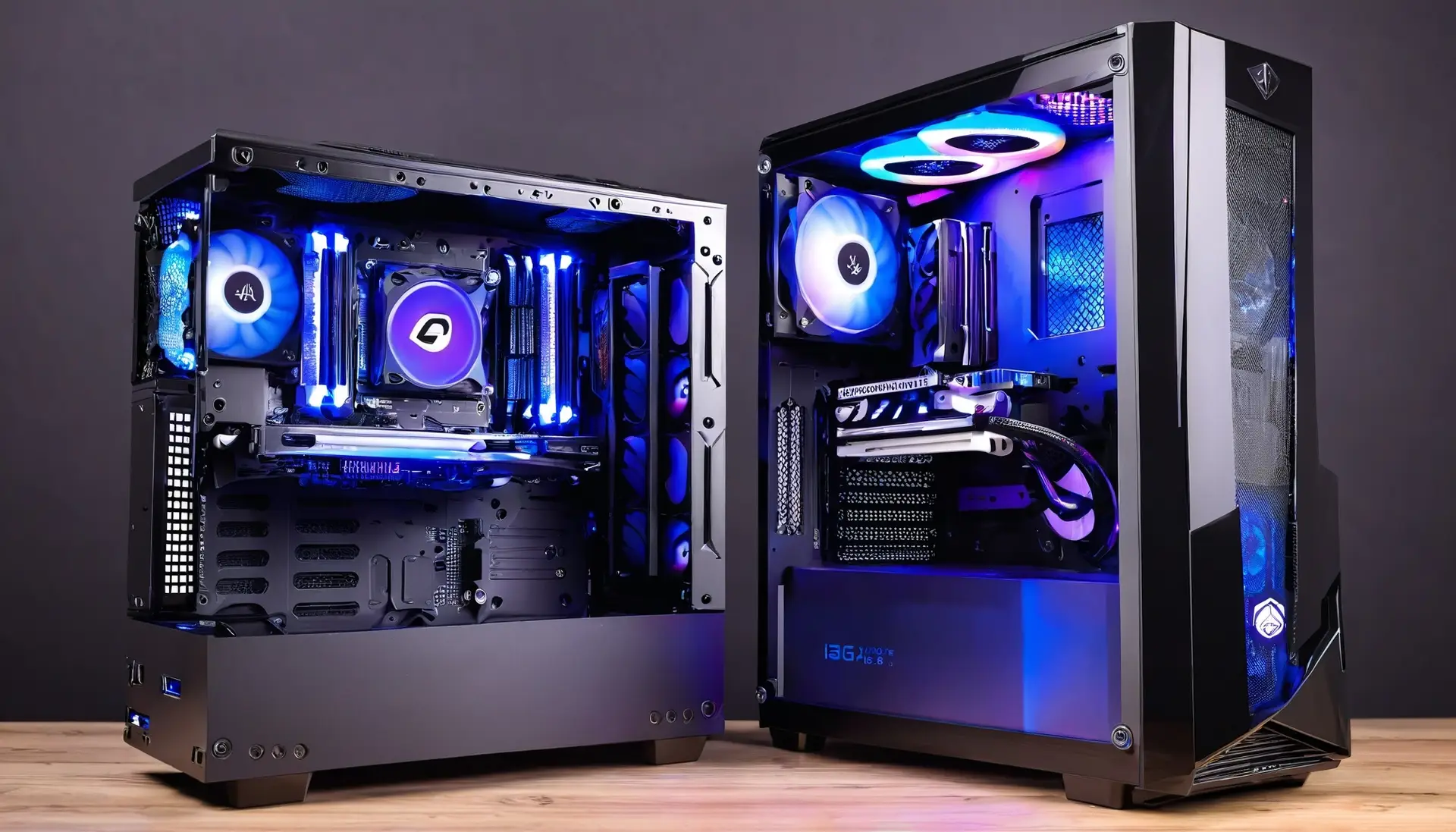

How to Choose the Perfect Gaming PC for Your Style
Choosing the right gaming PC can feel like a daunting task, especially with the vast array of options available. Whether you’re a casual gamer or an aspiring pro, finding the perfect setup tailored to your needs is crucial for an optimal gaming experience. This guide will help you navigate through the essentials, ensuring you pick the right components and specifications for your gaming style.
1. Understanding Your Gaming Needs
Before diving into hardware specifications, it’s essential to understand what type of gamer you are. Are you a casual player who enjoys relaxing games, or are you aiming to compete at a professional level?
1.1 Casual Gamer
Casual gamers typically play games that aren’t too demanding on hardware, such as indie games or older titles. The focus is on enjoying the experience rather than achieving the highest possible performance.
1.2 Professional or Competitive Gamer
If you’re looking to get into competitive gaming or play the latest AAA titles at the highest settings, you’ll need a more powerful setup. High frame rates, low latency, and superior graphics are key considerations here.
2. Key Components of a Gaming PC
Each component of a gaming PC plays a crucial role in the overall performance. Here’s a breakdown of what to look for based on your gaming style.
2.1 Central Processing Unit (CPU)
The CPU is the brain of your computer. For casual gaming, a mid-range processor like an Intel i5 or AMD Ryzen 5 is sufficient. However, for more demanding games or competitive play, consider an Intel i7/i9 or AMD Ryzen 7/9 for better performance and multitasking capabilities.
2.2 Graphics Processing Unit (GPU)
The GPU is perhaps the most critical component for gaming. Casual gamers can get away with a budget GPU like the NVIDIA GTX 1650 or AMD RX 5500. Competitive gamers should look at more powerful options like the NVIDIA RTX 3060 or AMD RX 6700 XT, which can handle higher resolutions and frame rates.
2.3 Memory (RAM)
For most gaming setups, 8GB of RAM is the minimum, but 16GB is recommended to ensure smooth multitasking and future-proofing. Competitive gamers might even consider 32GB if they stream or use other resource-intensive applications alongside gaming.
2.4 Storage
Solid State Drives (SSDs) have become the standard for faster load times and improved performance. A 500GB SSD is a good starting point for casual gamers, while 1TB or more is ideal for those who install a lot of games and media.
2.5 Motherboard
The motherboard should support your chosen CPU and GPU, with enough slots for RAM and future upgrades. It’s also important to consider connectivity options like USB ports and Wi-Fi capability.
2.6 Power Supply Unit (PSU)
Ensure your PSU provides enough power for all your components. For a mid-range setup, a 500W PSU is usually sufficient, but high-end systems might require 750W or more.
3. Additional Considerations
3.1 Monitor and Resolution
Your monitor should match your gaming style. Casual gamers can opt for a 1080p display, while competitive gamers might prefer 1440p or 4K monitors with high refresh rates (120Hz or higher).
3.2 Peripherals
Invest in a good keyboard and mouse, especially if you play competitively. Mechanical keyboards and high-DPI mice can make a significant difference in performance.
3.3 Cooling Solutions
Proper cooling is essential to maintain performance and longevity. Consider additional case fans or even liquid cooling for high-end builds.
Conclusion
Choosing the perfect gaming PC involves understanding your needs, budget, and future aspirations. By carefully selecting each component, you can build a system that not only meets your current gaming requirements but also offers room for upgrades. Whether you’re gaming casually or aiming for the pro scene, the right PC can make all the difference in your gaming experience.
FAQs
- Q: What is the most important component for gaming?
A: The GPU is generally the most crucial component, especially for graphically demanding games. - Q: How much RAM do I need for gaming?
A: 8GB is the minimum, but 16GB is recommended for most modern games. - Q: Do I need a high-end CPU for gaming?
A: Not necessarily. A mid-range CPU can handle most games, but a high-end CPU is better for multitasking and competitive gaming. - Q: Should I choose an SSD or HDD for gaming?
A: An SSD is preferred for faster load times, but you can use an HDD for additional storage. - Q: Is liquid cooling necessary for a gaming PC?
A: Not always, but it’s beneficial for high-end systems or overclocking to maintain optimal temperatures.