
Unlock the Ultimate Power: Building the Best Gaming PC for Every Budget!
In the world of gaming, building your own PC is often the best way to achieve the perfect balance of performance, aesthetics, and cost. Whether you’re a casual gamer looking for smooth gameplay or a hardcore enthusiast aiming for ultra-high settings, there’s a gaming PC configuration to suit every budget. This guide will take you through the essentials of building the best gaming PC, focusing on different budget ranges and the key components you need to consider.
1. Understanding Your Gaming Needs
Before diving into the specific components, it’s crucial to assess your gaming needs. Different games have varying hardware requirements. For instance, competitive titles like CS
or Fortnite demand high frame rates, while AAA titles like Cyberpunk 2077 require robust GPUs for detailed graphics. Determining your primary gaming needs will guide your decisions on where to allocate your budget.
2. The Essential Components of a Gaming PC
a. Central Processing Unit (CPU)
The CPU is the brain of your PC. For gaming, a powerful multi-core processor is essential. For budget builds, the AMD Ryzen 5 5600 or Intel Core i5-11400 offers excellent performance without breaking the bank. For mid-range builds, consider the AMD Ryzen 7 5800X or Intel Core i7-11700K. Enthusiasts looking for top-tier performance should consider the AMD Ryzen 9 5900X or Intel Core i9-11900K.
b. Graphics Processing Unit (GPU)
The GPU is the heart of a gaming PC, responsible for rendering images and video. It’s crucial for achieving high frame rates and detailed graphics. For budget builds, the NVIDIA GTX 1660 Super or AMD RX 5600 XT are excellent choices. Mid-range gamers might opt for the NVIDIA RTX 3060 Ti or AMD RX 6700 XT. For those seeking the best possible visuals and performance, the NVIDIA RTX 3080 or AMD RX 6900 XT are top picks.
c. Memory (RAM)
RAM is crucial for multitasking and ensuring smooth gameplay. For budget builds, 8GB of RAM is the minimum, but 16GB is recommended for a more future-proof system. Mid-range and high-end builds should aim for 16GB to 32GB of RAM, especially if you plan to stream or run memory-intensive applications.
d. Storage
Storage affects load times and system responsiveness. A combination of a SSD and HDD is ideal. Use an SSD for your operating system and most-played games for faster load times. Budget builders can opt for a 500GB SSD, while 1TB or more is recommended for mid-range and high-end builds. Adding a 2TB or larger HDD provides ample space for additional games and files.
e. Motherboard
The motherboard connects all your components. For budget builds, a B450 or B550 chipset for AMD, or a B560 for Intel, provides great value. Mid-range builds should consider the X570 chipset for AMD or Z590 for Intel. High-end systems might opt for the latest chipset versions for maximum performance and future-proofing.
f. Power Supply Unit (PSU)
The PSU powers your PC. It’s essential to choose a reliable unit with enough wattage to support your components. A 500W to 650W PSU is typically sufficient for budget and mid-range builds, while high-end systems with powerful GPUs may require 750W or more. Always opt for a PSU with an 80 PLUS rating for efficiency.
g. Case and Cooling
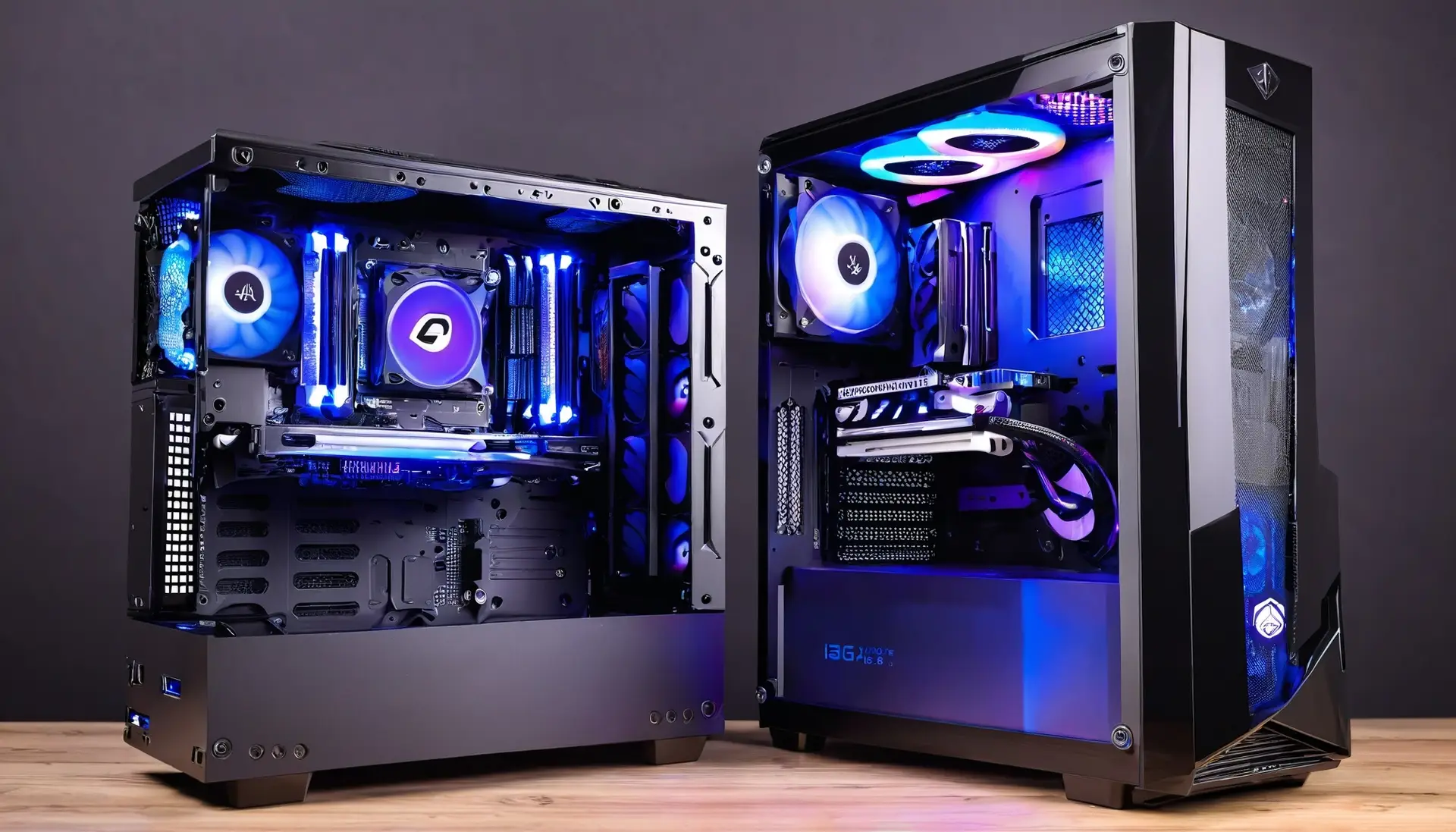
The case not only houses your components but also affects cooling and aesthetics. Choose a case with good airflow and sufficient space for your components. Cooling is vital, especially for high-performance builds. Consider a mix of air and liquid cooling solutions to keep temperatures in check.
3. Budget Breakdown for Different Gaming PC Builds
a. Budget Build ($500-$800)
For a budget build, focus on value-for-money components. A solid choice would be an AMD Ryzen 5 5600 or Intel Core i5-11400 paired with a GTX 1660 Super. 16GB of RAM and a 500GB SSD will provide a smooth gaming experience.
b. Mid-Range Build ($800-$1500)
A mid-range build offers a great balance of performance and cost. Opt for an AMD Ryzen 7 5800X or Intel Core i7-11700K with an RTX 3060 Ti. 16GB of RAM and a 1TB SSD, complemented by a 2TB HDD, ensure ample storage and speed.
c. High-End Build ($1500 and Above)
For those who want the best, a high-end build should include an AMD Ryzen 9 5900X or Intel Core i9-11900K with an RTX 3080. 32GB of RAM and a 1TB NVMe SSD, along with a 4TB HDD, will provide exceptional performance and storage.
4. Additional Tips for Building Your Gaming PC
a. Future-Proofing
Consider future upgrades when selecting components. Opt for a motherboard with additional RAM slots and support for newer CPU models. A larger PSU can accommodate more powerful GPUs in the future.
b. Overclocking
For enthusiasts, overclocking can squeeze extra performance out of your CPU and GPU. Ensure your motherboard and cooling solutions support overclocking to take full advantage of this feature.
c. Aesthetics and Customization
Aesthetics can enhance your gaming setup. RGB lighting, custom cables, and unique cases can make your build stand out. Customization options are plentiful, so choose what reflects your style.
5. Conclusion
Building a gaming PC is a rewarding experience that offers unparalleled customization and performance. By carefully selecting components and balancing your budget, you can build a system that meets your gaming needs, whether you’re a casual player or a hardcore enthusiast. Always keep an eye on the latest hardware releases and reviews to make informed decisions.